The problem
The barrier wasn’t access to content. It was children who had learned to believe they were “behind”.
An offline-first learning platform for underserved children in India, where the AI supports without ever judging.
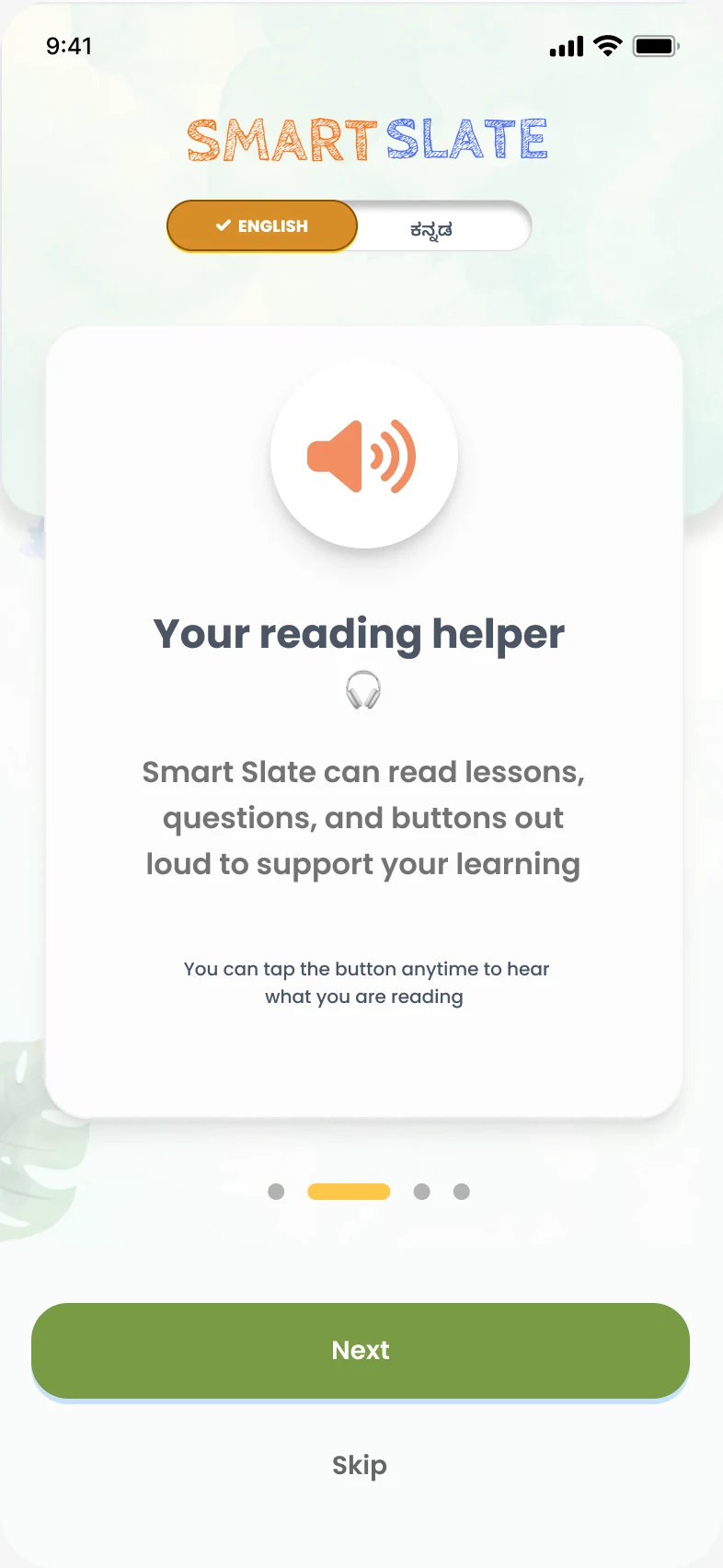
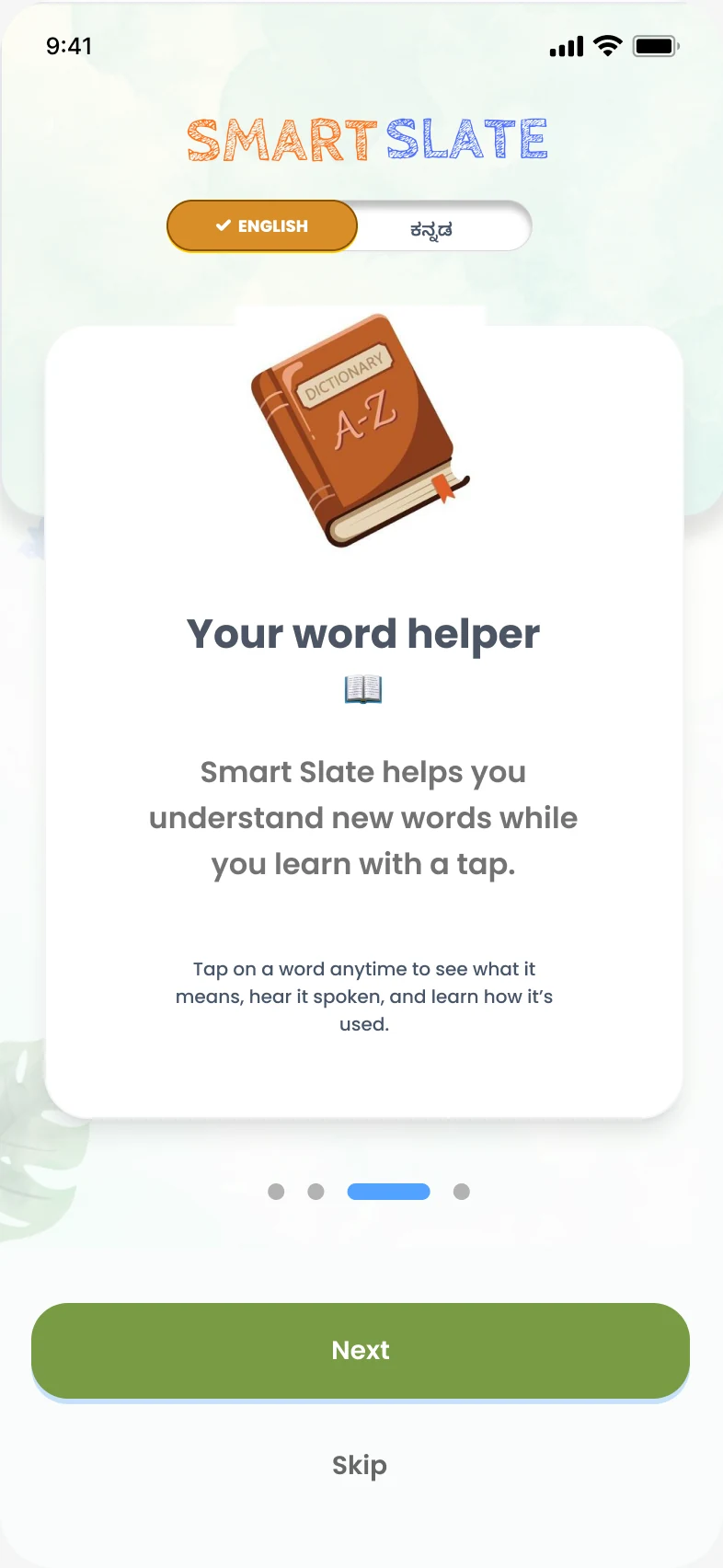
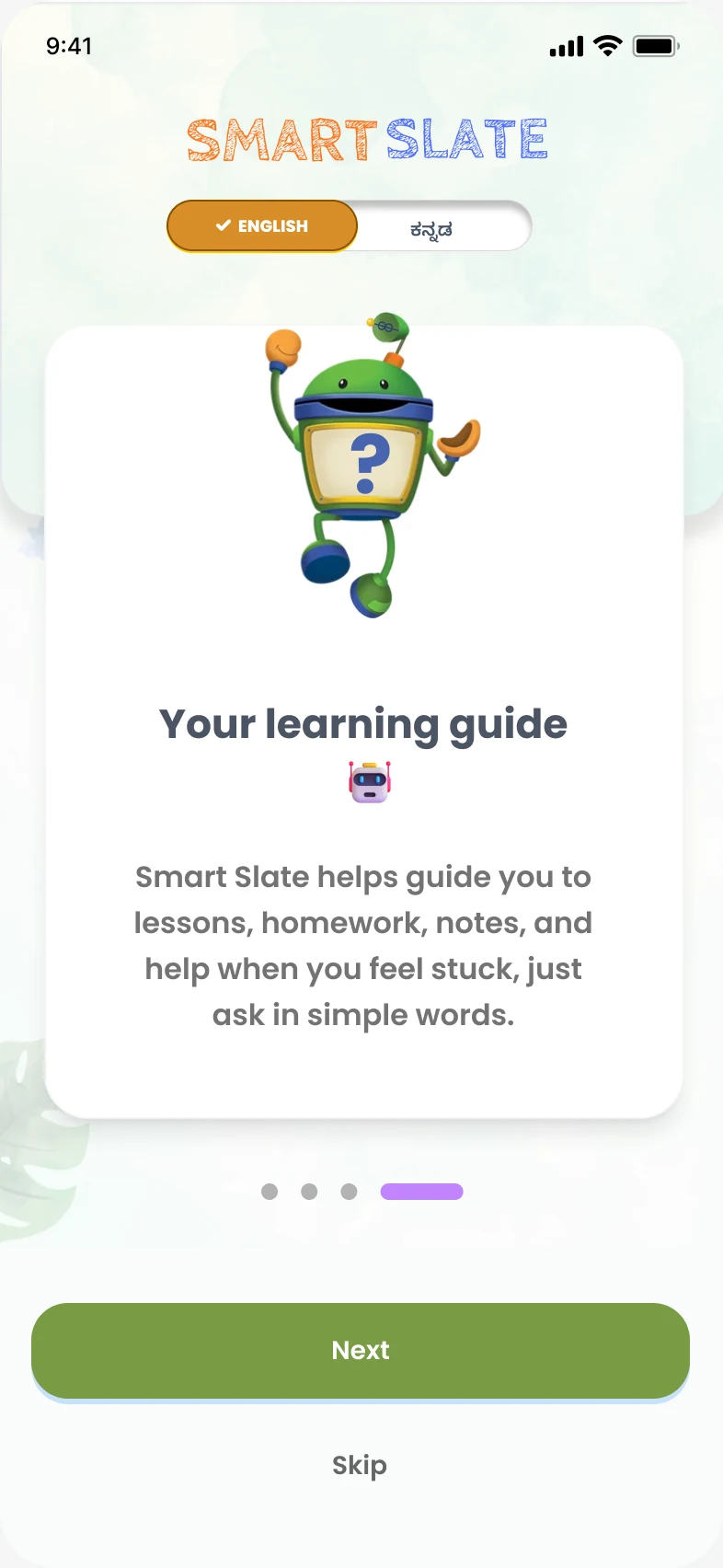
The barrier wasn’t access to content. It was children who had learned to believe they were “behind”.
Thirteen interviews, then a narrated, offline-first app where AI adapts quietly in the background.
All 25 high-fidelity task runs succeeded with no assistance. Emotional response was positive on every task.
01The problem
India runs one of the world’s largest public education systems, yet many children in government schools struggle with basic literacy and numeracy. Mainstream EdTech doesn’t reach them, and when it does, it often makes things worse.
Most platforms assume a confident learner with their own device and a parent nearby. In government-school contexts, devices are shared, adult support is limited and access comes in bursts. Leaderboards, visible grades and instant failure feedback replicate the classroom judgement these children already fear.
What underserved children need is not more content, but a learning environment that proves, through every interaction, that they are capable.
02Discover
Ethical constraints ruled out direct research with minors. Insight came instead from adults with years on the ground: NGO educators, community facilitators and child-rights practitioners, plus experts in child rights, cybersecurity and pedagogy.
Needs narration, reassurance and repetition.
One-path flows, never-failing navigation, warm voice guidance.
Avoids long tasks, fears mistakes, abandons when confused.
Short lessons, proactive explanations, confidence-first feedback.
Overloaded and time-poor. Adopts only if impact is immediate.
Pre-built lesson kits, minimal dashboards, zero training burden.
Learns in bursts amid interruptions.
Auto-save, pass-the-phone mode, offline continuity.
03Define
No punishment and no red marks, anywhere.
AI adapts silently, without exposing the child’s struggle.
Difficulty is reframed, never labelled as failure.
Recognition for trying, not for scoring.
04Develop
No feature may increase emotional or cognitive load for a novice learner.
| Priority | Features |
|---|---|
| Must have | Narration-led interaction, offline resilience, auto-resume, mistake-tolerant flows |
| Should have | Gentle motivation cues, progress visibility without comparison |
| Could have | Limited peer-support features |
| Won’t have, for now | Competitive gamification, public leaderboards, performance ranking |
Against the landscape, Smart Slate takes a space of its own: the structure of a curriculum platform with the low cognitive load of something far simpler.
05Silent AI
Most EdTech puts its AI on show through dashboards and rankings. Smart Slate hides it from the learner entirely. Three mechanisms do the work.
01
The system notices hesitation, narration repeats and backward navigation. It doesn’t jump to an “easier version”. The app simply becomes gentler: shorter lessons, simpler narration, earlier hints.
02
If a child struggles with number sequencing but responds to stories, the next explanation arrives as a story. Confidence first, then back to the abstract concept.
03
Practice is offered as optional and repeatable, with no marks or grades, and pitched so success is likely.
On-device models, multilingual text-to-speech and batch sync keep all of this working offline, and mean personalisation never depends on constant cloud monitoring.
06Deliver
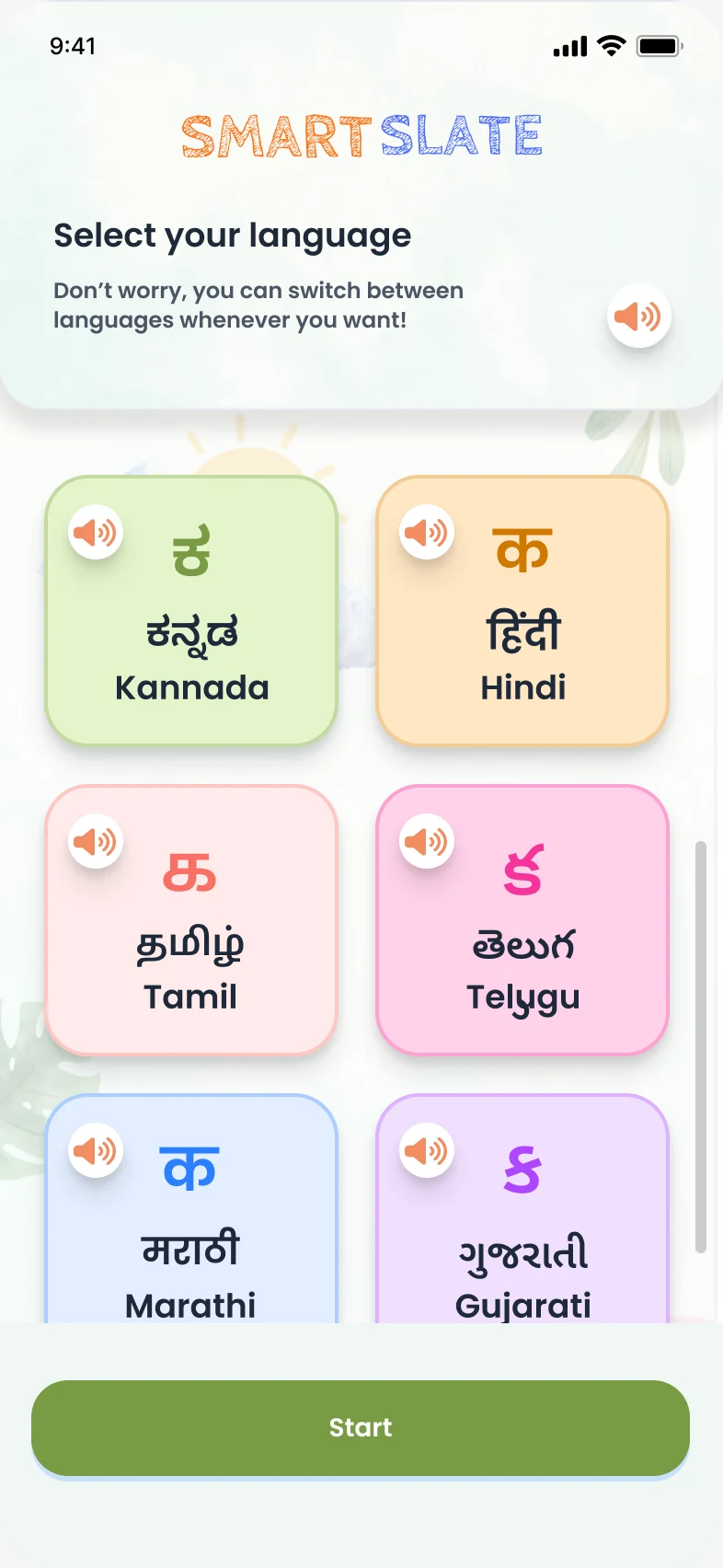
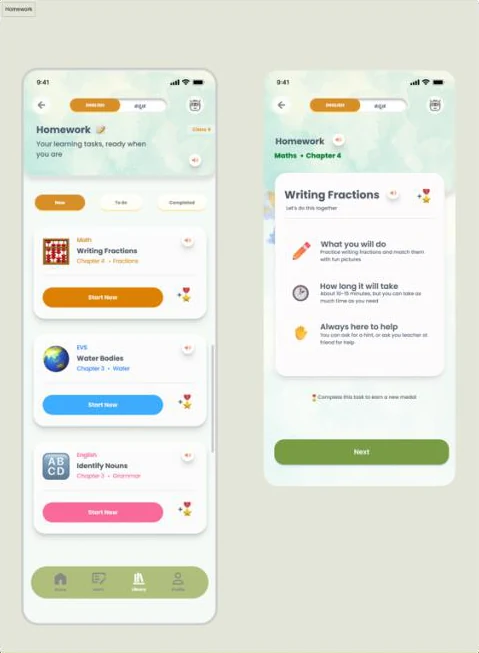
Visual-first communication, large touch targets, predictable layouts and micro-lessons of two to five minutes. Every instruction can be heard, in English or Kannada.
07Testing & iteration
Low-fidelity testing with proxy participants surfaced a problem I hadn’t designed for. “Learn with Friends” had no competitive mechanics, yet testers kept asking whether it involved competition or being watched. Two of four attempts failed.
Found
Peer interaction introduced performance anxiety, especially for lower-confidence users. Multiple parallel actions caused hesitation.
Changed
Peer learning left the core flow and became asynchronous notes sharing. Quizzes became “Homework”. The dashboard was reduced to one obvious next action.
Five proxy participants, two educators and three teaching assistants, completed five tasks. Each was scored on time, errors and assistance, then rated for how it felt.
| Task | Avg. time | Errors, total | Emotional response |
|---|---|---|---|
| Start today’s learning | 36s | 2 | Positive |
| Seek help while learning | 38s | 3 | Positive |
| Find notes and homework | 37s | 3 | Positive |
| Use Word Help | 37s | 3 | Very positive |
| Use AI-aided support | 40s | 3 | Positive |
Word Help drew the warmest response: “reassuring” and “helpful without pressure”. The AI guide scored positive but more cautiously, which supported keeping it a bounded, intent-based helper and not an open chatbot.
08Accessibility audit
I audited the prototype against WCAG-aligned mobile principles and child–computer interaction guidance.
| Issue | Risk | Design action |
|---|---|---|
| Icon-only ambiguity | Icons without labels push low-literacy learners to memorise. | Pair every critical icon with a short label; tap-and-hold reads it aloud. |
| Contrast on low-end screens | Soft brand colours can wash out on budget devices or outdoors. | Enforce minimum contrast for text, buttons and navigation. |
| Touch targets | Children tap imprecisely; packed controls cause accidental taps. | Large targets, more spacing, no small inline links. |
| Audio control | Narration is the main access route, so hidden controls frustrate. | Persistent play, pause and repeat. “Repeat” is a primary action. |
| Offline clarity | Unclear what works without a connection. | An offline banner, a “Saved for Offline” section and plain-language sync messages. |
09Critical reflection
For low-resource learners, the most meaningful use of AI is often invisible.
Keep exploring
A satellite-enabled wearable that keeps vulnerable people reachable when networks fail.
2025 – 2026Read case study →
A heuristic evaluation of the document wallet used by 550+ million citizens.
10 findingsRead case study →